https://github.com/brentp/cyvcf2
cyvcf2 is a cython wrapper around htslib built for fast parsing of Variant Call Format (VCF) files.
https://github.com/brentp/cyvcf2
cyvcf2 is a cython wrapper around htslib built for fast parsing of Variant Call Format (VCF) files.
Babyplots is an easy to use library for creating interactive 3d graphs for exploring and presenting data.
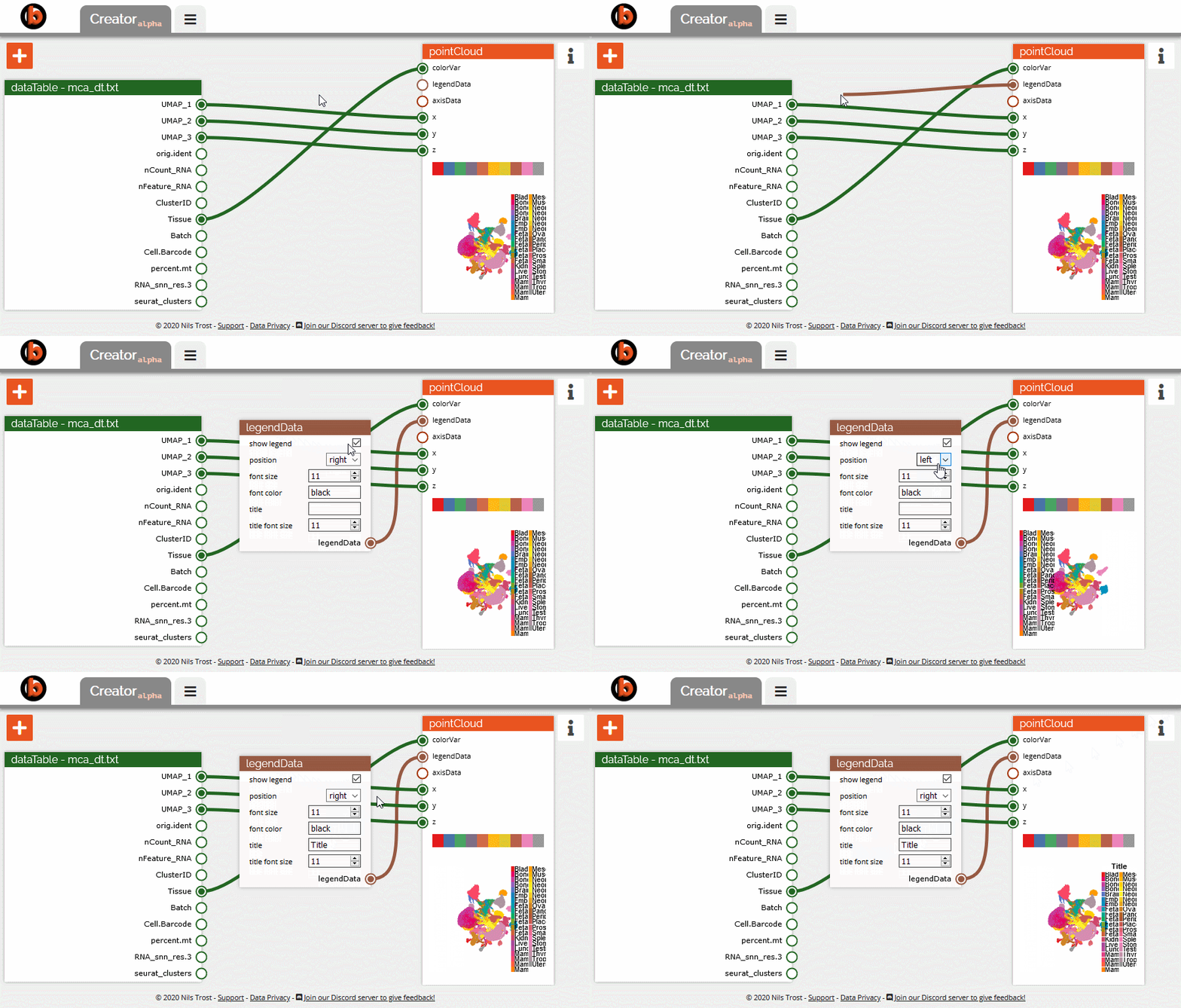
Babyplots is available as a JavaScript library, as an R package, as a Python package, and as an add-in for Microsoft PowerPoint. While the R package, Python package and JavaScript library allow the creation of new plots, the PowerPoint add-in can only be used to display exported plots. This website also provides an interactive node-based editor for creating babyplots visualizations called NPC (node plot creator) or simply Creator.
Find the individual documentation pages through the links below:
https://github.com/hci-unihd/plant-seg

Install PlantSeg
conda create -n plant-seg -c pytorch -c conda-forge cudatoolkit=10.1 -c lcerrone -c abailoni -c cpape -c awolny pytorch nifty=1.0.9 plantseg
To install pytorch for a certain cudatoolkit version
conda install pytorch  cudatoolkit=10.1 -c pytorch
plantseg --gui
To designate a certain cuda GPU device when run plant-seq with
CUDA_VISIBLE_DEVICES=0 plantseg --gui
To check cuda is available in pytorch
import torch
torch.cuda.is_available()
To check GPU usage
nvidia-smi -l 1
To check CUDA version
nvcc -V
How to run python code from Terminal in multiple sessions with multiple GPUs
1. set CUDA device
$ CUDA_VISIBLE_DEVICES=0 python test1.py # Uses GPU 0.
$ CUDA_VISIBLE_DEVICES=1 python test2.py # Uses GPU 1.
$ CUDA_VISIBLE_DEVICES=2,3 python test3.py # Uses GPUs 2 and 3.
or
2. add in python code
import os
os.environ["CUDA_DEVICE_ORDER"]="PCI_BUS_ID"
os.environ["CUDA_VISIBLE_DEVICES"]="0"
ref:
https://stackoverflow.com/questions/34775522/tensorflow-multiple-sessions-with-multiple-gpus
https://stackoverflow.com/questions/37893755/tensorflow-set-cuda-visible-devices-within-jupyter
